VelticAI First Look: The WordPress AI Chatbot That Makes You Approve Every Answer
Some links in this guide are affiliate links. If you sign up through them, Day Zero Guides may earn a commission at no extra cost to you. This never affects which products we cover or what we say about them. See our affiliate disclosure for details.
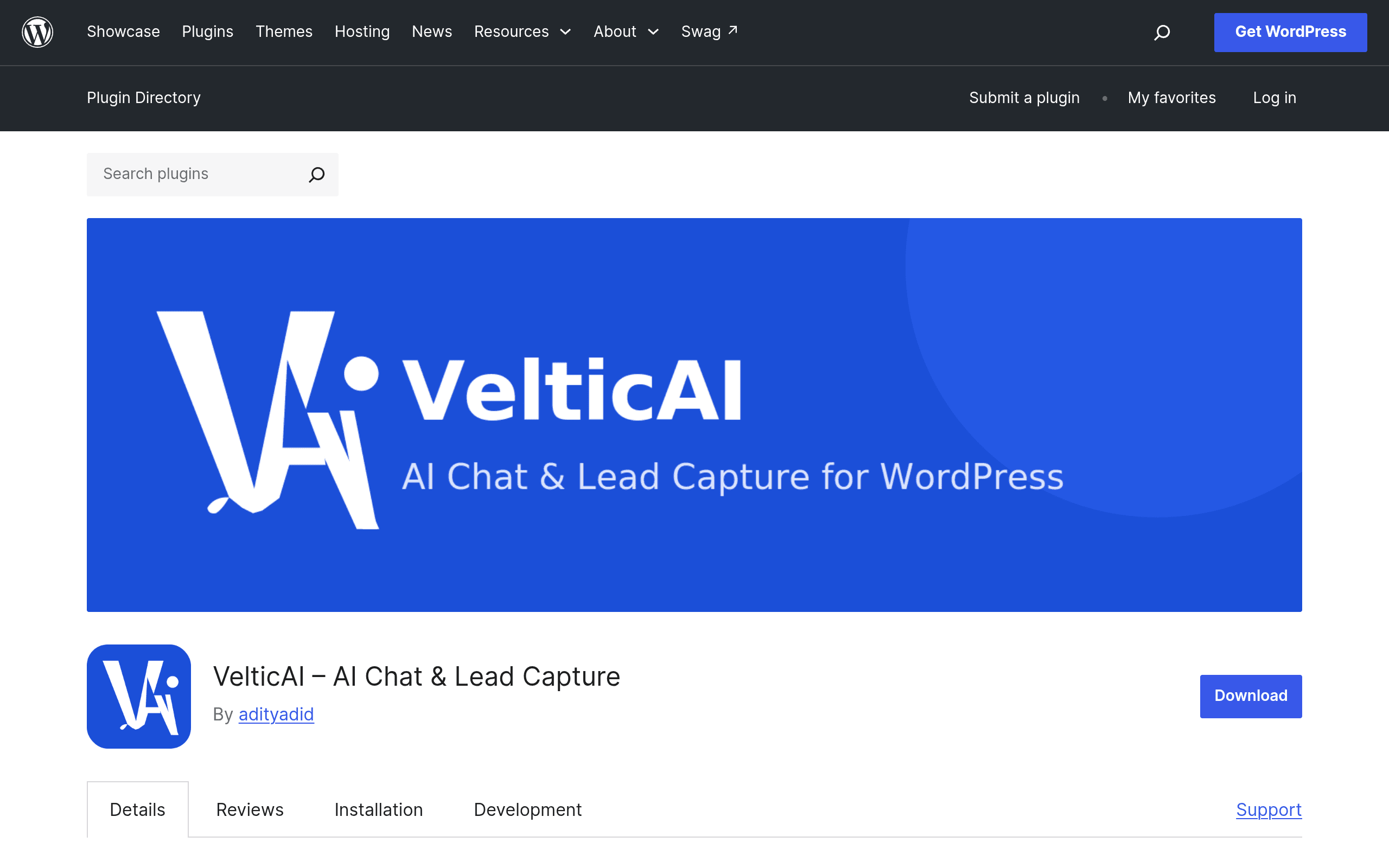
What VelticAI actually is
VelticAI is a WordPress plugin, listed on the official WordPress.org plugin repository, that adds an AI chatbot to your site and trains it on your own content — pages, posts, and (if you run WooCommerce) product listings. It also includes a lead capture form built into the chat widget, so visitors who don't get a satisfying answer can leave a name and email instead of bouncing.
The detail that separates VelticAI from almost every other AI chat tool on the market: it does not let the bot answer visitors automatically. Every AI-generated response is queued in an admin moderation screen. A human has to approve, edit, or reject it before the visitor ever sees it. That's a deliberate constraint, not a beta limitation — it's the core design decision of the plugin.
How the review queue actually works
In practice, this means VelticAI behaves less like a live chatbot and more like an AI-assisted inbox:
- A visitor asks a question in the widget.
- VelticAI generates a draft answer using your site content as context.
- The draft sits in a pending queue in wp-admin until someone approves it.
- Once approved, the answer is sent to the visitor (who may have already left the page, depending on how long approval takes).
This is the trade-off to understand before installing: you get accuracy control and zero risk of the bot hallucinating pricing or policy details in public, but you lose the instant-response value that most people associate with "AI chat." If your team can't staff the queue promptly, visitors will experience a delay, not a live conversation. This makes VelticAI a much better fit for lower-traffic marketing or brochure sites than for a support-heavy SaaS site expecting real-time chat volume.
Pricing: what's actually published
As of this writing, the WordPress.org plugin page lists a free 5-day trial and does not publish specific paid pricing tiers. There's no visible pricing page, license-key tier breakdown, or per-seat cost attached to the listing itself. That's unusual for a plugin with an AI backend (AI inference isn't free to run), so expect a paid tier to appear either through an upsell inside the plugin dashboard or a separate vendor site once the trial ends. If you install this today, budget time to test it fully inside the 5-day window before assuming ongoing cost — you won't find that number by reading the plugin listing alone.
Concrete use cases where this fits
- A services business with a small FAQ surface (pricing, hours, service areas) that wants to cut down repetitive email inquiries without risking a bot inventing answers about contracts or refund policy.
- A WooCommerce store that wants product-question capture (sizing, compatibility, stock) routed to a human-reviewed queue rather than instant automated replies that might misstate specs.
- A content/publisher site using the chatbot as a smarter "search the archive" tool for readers, where lead capture converts an anonymous reader into an email subscriber.
- A solo consultant or small agency site where the owner personally reviews the queue once or twice a day — the delay is a non-issue because there was no live chat coverage before anyway.
Where it does not fit: any site expecting real-time support chat coverage, multi-agent routing, or the kind of instant qualification flow that sales teams build in Drift or Intercom.
How it compares to established chat tools
| VelticAI | Drift | Intercom | HubSpot Chatbot | |
|---|---|---|---|---|
| Price | Free 5-day trial; paid tiers not published | Premium plan starts around $2,500/mo billed annually (small-business tier discontinued) | Essential ~$39/seat/mo, Advanced ~$99/seat/mo, Expert ~$139/seat/mo (annual pricing lower) | Chatbot builder free with HubSpot's free CRM tools; advanced workflows need Marketing/Sales Hub Professional, from ~$890/mo |
| Response model | AI drafts, human approves before send (no live auto-reply) | Live AI + human handoff, real-time by default | Live AI (Fin) + human handoff, real-time by default | Rule-based bot flows, live by default |
| Platform | WordPress plugin only | Standalone JS widget, any site | Standalone JS widget, any site | Standalone JS widget, tied to HubSpot CRM |
| Lead capture | Built-in, native to WordPress admin | Built-in, syncs to Salesforce/HubSpot/etc. | Built-in, native to Intercom CRM | Built-in, native to HubSpot CRM |
| Best for | Low-to-medium traffic WordPress sites wanting AI answers with a human safety net | Mid-market/enterprise sales teams needing instant qualification and routing | Product-led SaaS needing AI support at scale with human escalation | Marketing teams already invested in the HubSpot ecosystem |
Who should install this today
If you're running a WordPress site, want AI-assisted answers pulled from your own content, and you're uncomfortable with a bot going fully live unsupervised, VelticAI is worth the 5-day trial specifically to test the moderation workflow and see how much daily admin time the queue actually costs you. If you need real-time chat coverage, multi-agent support, or CRM-grade lead routing, none of that is what this plugin is built for — go straight to Drift, Intercom, or HubSpot instead, and treat VelticAI as a smaller, more cautious tool for a smaller, more cautious job.
The unpublished pricing is the real open question. Install it, run the trial against your actual content and traffic, and decide before the 5 days run out whether the approval workflow saves you more time than it costs.