Vistui First Look: Turning Chat Prompts into Multi-Screen App Flows
Some links in this guide are affiliate links. If you sign up through them, Day Zero Guides may earn a commission at no extra cost to you. This never affects which products we cover or what we say about them. See our affiliate disclosure for details.
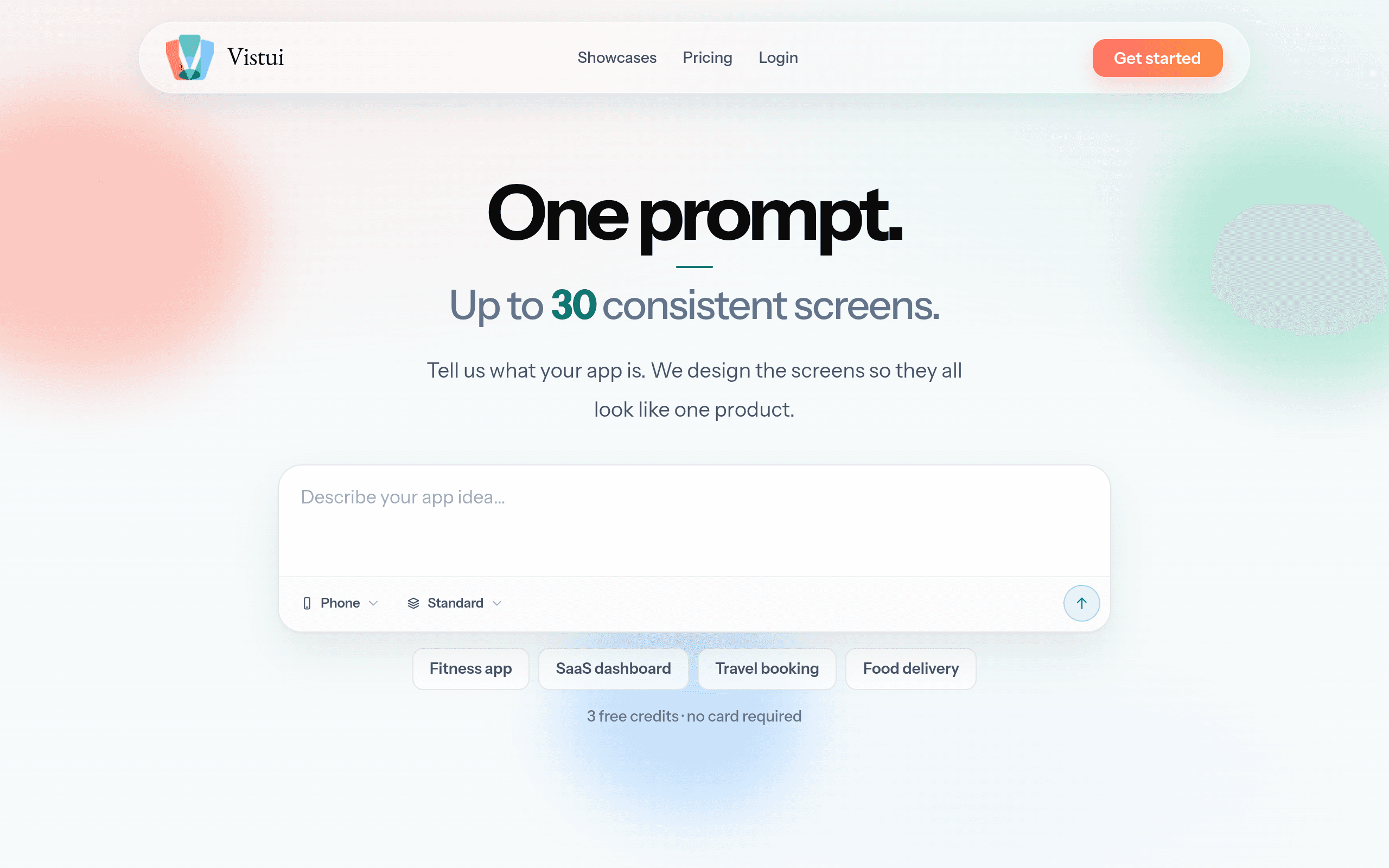
What Vistui Actually Does
Vistui is a chat-first design tool: you describe a product idea in plain language — "a fitness app with onboarding, a workout tracker, and a social feed" — and it generates a set of screens that are visually consistent with each other (same color system, typography, component style) rather than one-off disconnected mockups. You then refine the flow conversationally, asking it to add a screen, change a state, or restyle a section, and export the result to Figma, PNG, or PDF.
The pitch isn't "AI that makes a pretty screen." It's "AI that makes a flow you can hand to a designer or developer without redrawing everything to match." That's the gap it's trying to sit in, between a blank Figma canvas and a single AI-generated hero image.
Getting Started
You can try Vistui with 3 free credits and no card required — enough to test whether the output quality and consistency across screens holds up before you commit to a plan. That's a meaningfully lower-friction trial than tools that gate any generation behind a card swipe.
Pricing Breakdown
Vistui runs on a credit-based subscription model:
| Plan | Price | Credits/month | Rough fit |
|---|---|---|---|
| Free trial | $0, no card | 3 credits | Testing output quality before buying |
| Starter | $8/month | 64 credits | Solo founders, occasional prototyping |
| Pro | $20/month | 175 credits | Freelancers/designers running multiple client flows |
| Studio | $30/month | 280 credits | Agencies or teams iterating heavily across projects |
A few things worth knowing before you pick a tier: since generation and refinement both draw from the same credit pool, how far your credits go depends on how many rounds of iteration a flow needs. A simple 4-5 screen flow that you accept on the first pass will cost far less than one where you're nudging colors, copy, and layout across a dozen back-and-forth prompts. If you're the type who iterates a lot before locking a design, budget for Pro rather than Starter even as a first purchase — dropping from 64 to 0 credits mid-project is a common complaint with credit-metered AI tools generally, and it's worth avoiding by not undershooting your tier.
Concrete Use Cases
- Founder pitching an idea to a dev or investor: Skip weeks of back-and-forth with a contract designer for a first-pass clickable-looking flow — describe the app, get 6-8 consistent screens, export to PDF for a deck.
- Freelance designer scoping a client project: Generate a rough flow in minutes to align on structure and screen count with a client before doing real Figma work, so you're not burning billable hours on discovery mockups.
- Product manager writing a spec: Use generated screens as visual placeholders in a PRD instead of describing UI in prose or hand-drawing wireframes.
- Agency doing early concept exploration: Generate 2-3 divergent visual directions for the same flow quickly, then take the one the client likes into Figma for full production work.
What it's not well-suited for: pixel-perfect production design, complex design systems with strict token governance, or teams that need real-time multiplayer editing during the design phase itself — that's still Figma's job.
How It Compares
| Vistui | Figma | Galileo AI | Framer | |
|---|---|---|---|---|
| Starting price | Free (3 credits), then $8/mo | Free tier; Professional $12-15/mo per editor | Free tier; paid plans ~$20+/mo per seat | Free tier; paid site plans from ~$5-20/mo, AI features on higher tiers |
| Core strength | Prompt-to-multi-screen consistent flows | Industry-standard collaborative vector design & prototyping | Prompt-to-UI screen generation, strong for individual polished screens | Visual site builder with AI layout assist, publishes live sites directly |
| Output format | Figma, PNG, PDF export | Native Figma files, dev handoff | Figma export | Live published site, some export options |
| Best for | Fast, consistent multi-screen flow drafts from a text prompt | Precise, collaborative, production-grade UI/UX design | One-off AI-generated screen concepts and inspiration | Going from design directly to a live, hosted website |
| Collaboration | Limited (single-user chat iteration) | Real-time multiplayer, comments, dev mode | Limited | Team plans available on higher tiers |
The practical distinction: Galileo AI is closer to a single-screen concept generator you then move elsewhere; Figma is the production tool everyone eventually lands in regardless of how the draft was made; Framer collapses design and shipping into one step for marketing sites and simple web apps. Vistui's differentiator is specifically the multi-screen consistency — it's built for the moment before Figma, not as a replacement for it.
Should You Try It Today
If you regularly need to go from "I have an idea" to "here's a flow that looks like a real product" in under an hour, the free 3 credits cost you nothing to test. If your work is deep in production-grade UI systems with a team already living in Figma, Vistui is a front-end accelerator to that workflow, not a replacement for it — expect to still export and finish there. The $8 Starter plan is cheap enough to justify a month of real use on an actual project rather than a throwaway test prompt, which is the better way to judge whether the credit economics work for your iteration style before upgrading to Pro or Studio.