Weave Context Dashboard: A First Look at the Free Tool for Mapping Your Markdown Vault's Hidden Structure
Some links in this guide are affiliate links. If you sign up through them, Day Zero Guides may earn a commission at no extra cost to you. This never affects which products we cover or what we say about them. See our affiliate disclosure for details.
What Weave Context Dashboard actually does
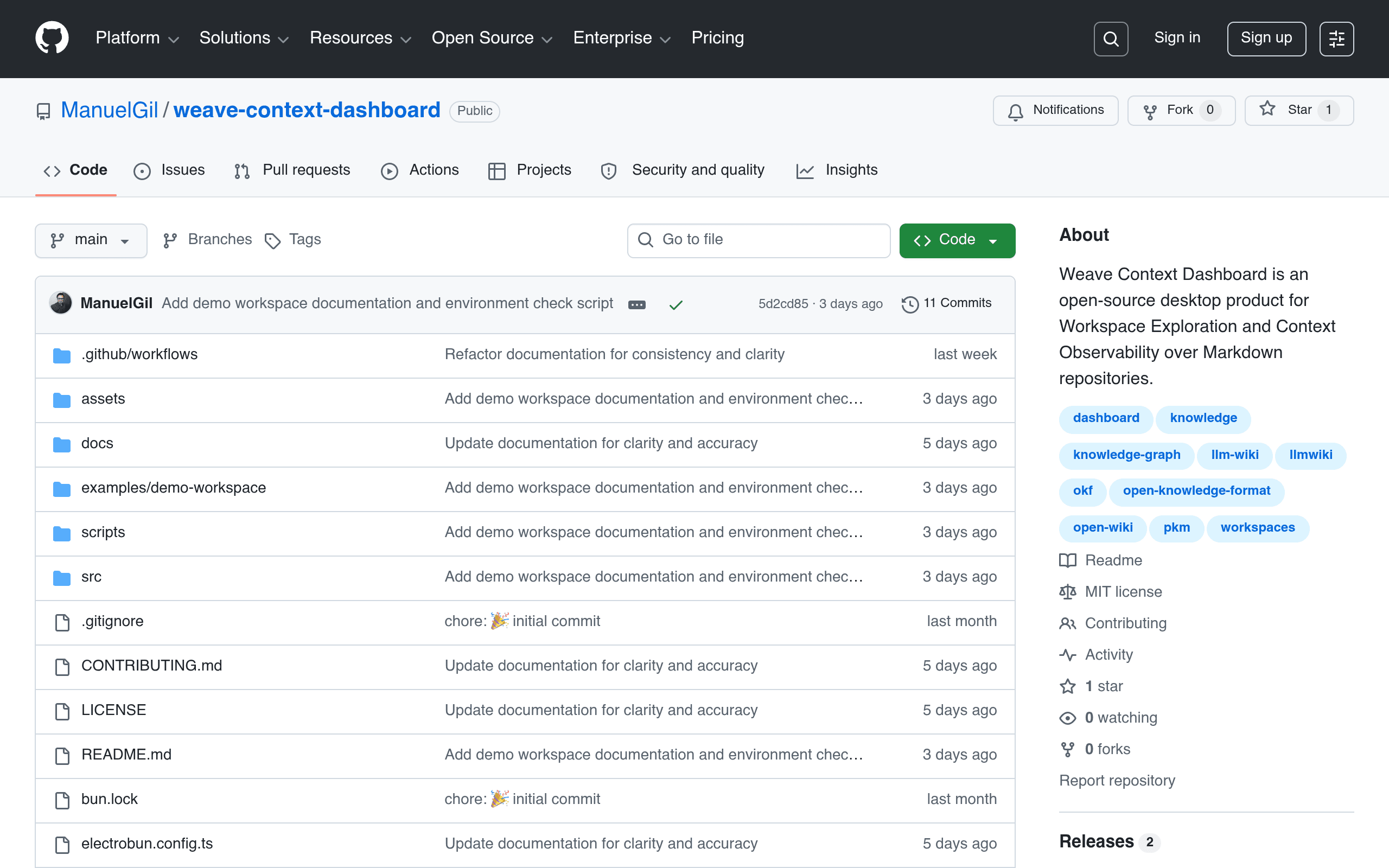
Weave Context Dashboard is a new open-source desktop app (hosted on GitHub at ManuelGil/weave-context-dashboard) that does one job deliberately narrow in scope: it points at a folder of Markdown files and shows you how they're actually connected via wikilinks — without touching a single file.
That last part matters. This is not another note-taking app. It doesn't create notes, doesn't edit content, doesn't generate summaries or AI-written anything. It's a read-only lens on top of a repository you already have — an Obsidian vault, a Logseq graph exported to plain Markdown, a documentation repo, a wiki dumped to .md files, whatever. You point it at the directory, and it builds a picture of the knowledge structure that was always implicitly there but never visible: which notes are hubs, which are orphaned, which link chains are broken, and how the whole thing is actually shaped.
The feature set breaks down into five areas:
- Workspace overview — a top-level summary of the repository: file counts, link counts, general health of the vault.
- Exploration — browsing the structure without needing to already know the folder layout.
- Search — finding files and links across the whole repository.
- Inspection — drilling into a single file to see its inbound and outbound wikilinks.
- Graph visualization — the actual node-and-edge map of how documents reference each other.
If you've ever opened Obsidian's graph view, squinted at the hairball, and wished you could interrogate it more directly — filter it, inspect specific nodes, understand why two notes are connected — that's the itch this scratches, except decoupled from any specific note-taking app's ecosystem.
Pricing
There isn't any. Weave Context Dashboard is free and open-source, full stop. There's no paid tier, no subscription, no "pro" unlock, no commercial license fee. You clone or download it from GitHub and run it locally against your own files. If you want features it doesn't have, the path is a pull request, not a credit card.
This is worth stating plainly because every other tool in this space (below) has monetized in some way — Weave hasn't, at least not yet, and there's no signal in the repo that it plans to.
Concrete use cases
- Auditing an Obsidian vault before a big reorganization. Point Weave at your vault's folder, find every orphaned note (files with zero inbound links) before you decide what to archive.
- Reviewing a documentation repo for broken internal links. If your team writes docs in Markdown with wikilink-style cross-references, Weave will surface links that resolve to nothing, without you having to grep manually.
- Onboarding a new team member to an existing knowledge base. Instead of handing someone a flat file tree, hand them a graph that shows which documents are load-bearing (highly linked) versus peripheral.
- Sanity-checking a Logseq export. If you've exported a Logseq graph to plain Markdown for backup or migration, Weave can confirm the link structure survived the export intact.
- Pre-refactor structural analysis. Before splitting a large Markdown-based wiki into multiple repos, use the inspection view to see which files would end up with cross-repo dangling links.
What it's explicitly not for: daily journaling, writing new notes, block-level outlining, or anything involving live editing. If you want a single app for both writing and visualizing, this isn't a replacement for your PKM tool — it's a diagnostic layer you run alongside it.
How it compares
| Weave Context Dashboard | Obsidian | Logseq | Roam Research | |
|---|---|---|---|---|
| Price | Free, open-source, no paid tier | Free for personal use; Commercial License $50/year; Sync $8/mo; Publish $8/mo | Free, open-source | $15/month, or $500 one-time "Believer" plan |
| Core purpose | Read-only analysis and visualization of existing Markdown wikilink structure | Note-taking + editing + graph view in one app | Outliner-based note-taking with graph view | Block-based networked note-taking |
| Can it edit/create files? | No — strictly inspection, never modifies content | Yes, full editor | Yes, full editor | Yes, full editor |
| Graph view | Yes, plus inspection, search, and workspace overview around it | Yes, but view-only within the app's own vault | Yes, tied to its own graph/journal structure | Yes, tied to its own hosted database |
| Data location | Your own local Markdown files, any folder | Local Markdown files (its own vault format conventions) | Local Markdown/org files | Hosted on Roam's servers (cloud-only) |
| Best for | Auditing/inspecting a vault or docs repo you already maintain elsewhere | All-in-one personal knowledge management | Outliner-style daily notes and journaling | Teams doing heavy bidirectional-linking research work |
The honest framing: Weave doesn't compete with Obsidian, Logseq, or Roam for your daily writing habit. It competes with the idea of relying solely on those apps' built-in graph views when you need something more inspectable — filterable, searchable, and separate from the app that's also trying to be your editor. It's closer in spirit to a linter or static-analysis tool for your notes than to a competitor PKM app.
Should you try it today
If you maintain any nontrivial pile of Markdown files with wikilinks — a vault, a wiki, a docs repo — and you've never actually seen the full shape of it, this is a zero-cost way to find out. Clone the repo, point it at a folder, and within a few minutes you'll know if you have orphaned notes, broken links, or an unexpectedly siloed graph.
The tradeoffs to know going in: it's a young, single-maintainer open-source project, so expect rough edges, and don't expect enterprise support or a roadmap commitment. If your workflow depends on this kind of visibility being always-on and polished, you're still better served by Obsidian's native graph view for day-to-day use. But as a free, non-destructive second opinion on the structure of your notes, Weave Context Dashboard fills a gap none of the big three PKM tools address directly.